Cash rounding
Who it is for: a cashier, an accountant. Result: you know how the app rounds the cash payment of a flagged invoice and how to check it. Scope: the rule applies to cash; the amount of a card payment stays exact.
Note: The final decision rests with the enterprise's accountant.
The rule
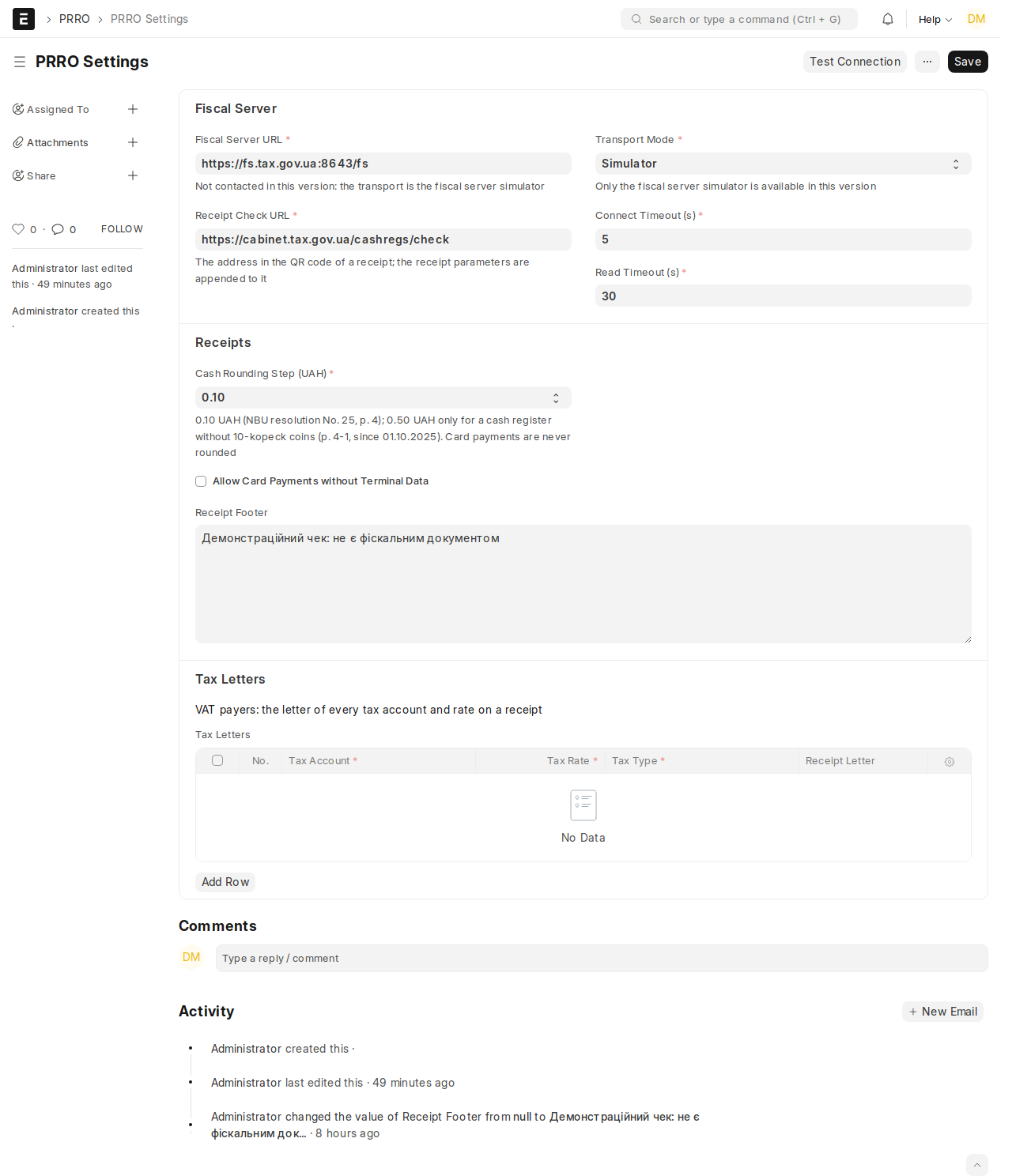
The total of a cash payment is rounded to the step of PRRO Settings, an exact half is rounded away from zero, for a sale and for a return alike. The default step is 0.10 UAH; 0.50 UAH is the option for a cash desk without 10-kopeck coins. The valid steps are 0.10 and 0.50 UAH.
The rule is implemented after items 4 and 4-1 of NBU resolution No. 25 of 15.03.2018: item 4 for the step 0.10, item 4-1 for the step 0.50 (since 01.10.2025).
Examples
Step 0.10 UAH:
| Amount | Rounded |
|---|---|
| 12.35 | 12.40 |
| -12.35 | -12.40 |
| 12.34 | 12.30 |
Step 0.50 UAH:
| Amount | Rounded |
|---|---|
| 12.24 | 12.00 |
| 12.25 | 12.50 |
| 12.75 | 13.00 |
| -12.25 | -12.50 |
How it works in an invoice
- ERPNext's own rounding takes an exact half down for a sale, so the app sets the rounded total, the adjustment, the change, the outstanding amount and the amount in words itself.
- ERPNext posts the adjustment to the round-off account.
- A cash return ("Make Return", also a partial one) is rounded the same way and pays back the rounded total from its one cash row, with no change. The return receipt shows the amount as a positive number: Returns and the return receipt.
- A change of the step applies to invoices saved after it. An invoice saved before has to be saved again so that its submit and fiscalization pass.
- The Z-report counts the amounts after the rounding.
- A receipt of a cash payment shows the total before the rounding ("Загальна вартість до заокруглення"), the adjustment ("Заокруглення") and the amount after the rounding ("СУМА").
In the payment dialog of POS Next
For a POS Profile with automatic fiscalization the payment dialog of POS Next shows a line "Cash total (rounded to 0.10)" (or 0.50) under the grand total and computes the change from the rounded total: 20.00 paid for a sale of 12.35 gives a change of 7.60, and the sale-complete dialog shows the change as "Change to hand over". The cashier enters the rounded amount (12.40): the exact 12.35 leaves "Remaining 0.05" and the line "Accept 12.40 (cash total)", and "Complete payment" is disabled; the keypad adds amounts, so the previous amount is cleared with "C". In the return dialog a line "Cash to hand back (rounded to 0.10)" shows the rounded amount. The main cart screen shows the exact total. The server stays authoritative: it refuses a payment between the exact and the rounded total. The amount of a card payment stays exact. More: Sell in POS Next.
Related: A card payment, Normative basis.