VAT rate codes and tax templates
Who it is for: an accountant who sets up the VAT of a company. Result: tax templates with rate codes, from which the app builds tax invoices and registers.
Note: The final decision rests with the enterprise's accountant.
The rate codes
| Code | Meaning | Percent |
|---|---|---|
| 20 | the main rate | 20 |
| 14 | agricultural products | 14 |
| 7 | medicines | 7 |
| 901 | zero rate, export (taken out of the customs territory) | 0 |
| 902 | zero rate, a supply on the customs territory | 0 |
| 903 | an operation exempt from the tax | 0 |
| not_object | an operation that is not an object of the tax | 0 |
The marker notobject belongs to the tax data; a line with it is left out of the tax invoice. A code has to fit the rate: 20, 14 and 7 need their own rate, and the zero codes and notobject need zero.
The benefit code has 8 digits and is allowed only with the code 903. The code 99999999 is meant for a benefit outside the directory. A tax invoice row with the code 903 needs a benefit code.
Where the code is stored
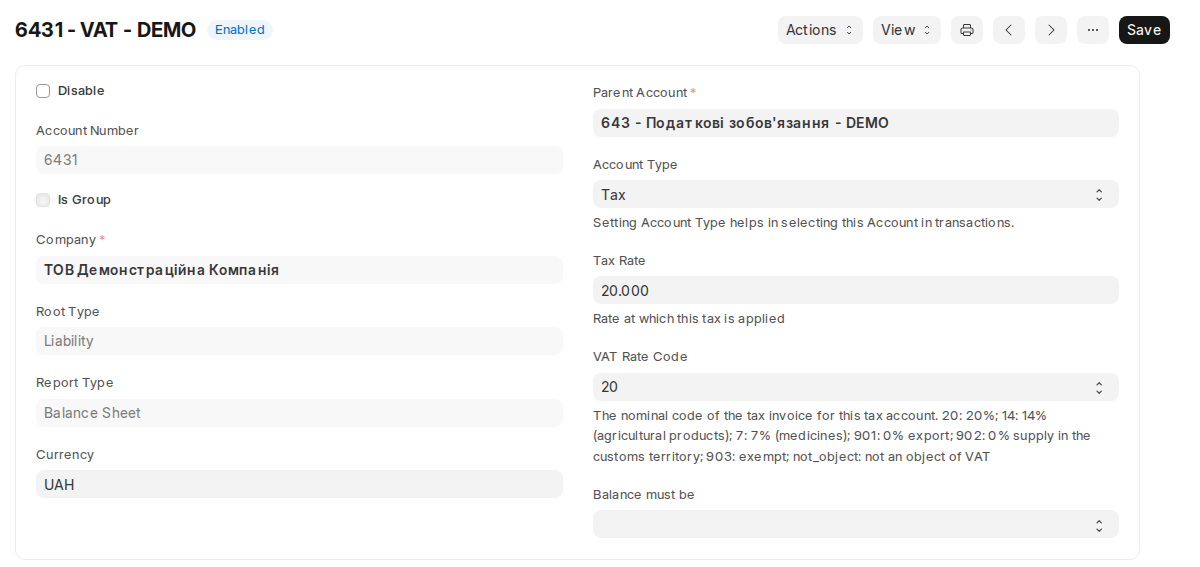
The code is written in the field "VAT Rate Code":
- on the tax Account;
- on the rows of the Sales and Purchase Taxes and Charges tables, in the templates and in the documents;
- on the rows of an Item Tax Template.
The field "VAT Benefit Code" is on the rows of the tax tables and of the item templates. The accounts 6431, 6441 and 6442 get the code 20 at the first VAT setup of a company.
Tax templates
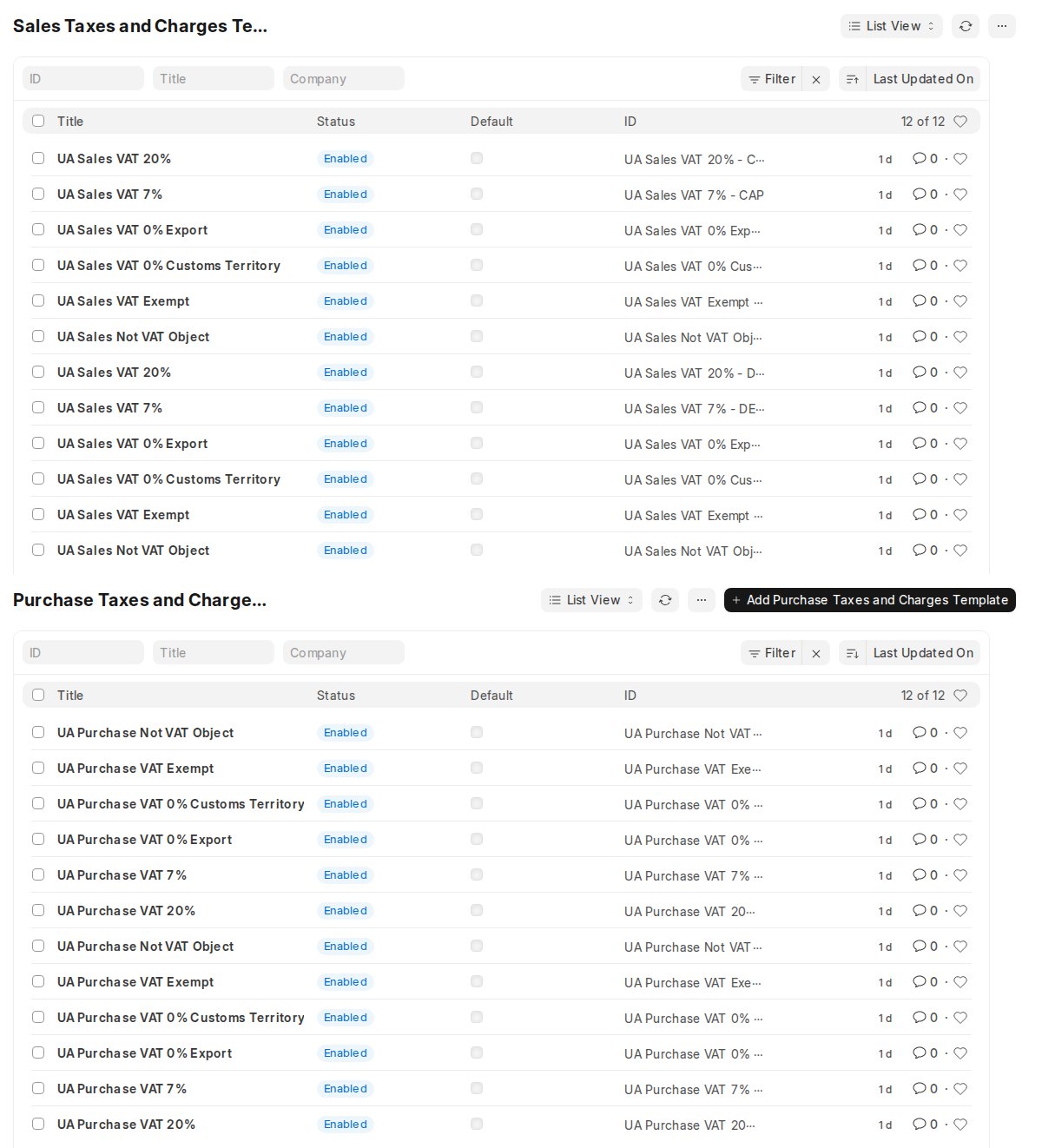
The Ukrainian VAT templates are made when the Ukrainian chart of accounts is applied to a company, and by the Company button "Manage" > "Create Ukrainian VAT Templates" (Accounts Manager). For each side (sales and purchases) a taxes template and an item tax template are made for 20 %, 7 %, 0 % (export, 901), 0 % (customs territory, 902), exempt (903) and not VAT (not_object): 24 documents in all, titled like "UA Sales VAT 20%" and "UA Purchase VAT Exempt".
- Sales use the account 6431 "VAT", purchases use the account 6442 (the expected tax credit).
- The VAT template is chosen in the document explicitly: a default template would put VAT on the invoices of a company that is not a payer.
- The rows are on the net total. For prices with VAT included, copy the template and tick "Is this Tax included in Basic Rate" on its row.
- Making the templates again is safe: a template is found by its key, so a renamed template stays the only one. An existing template stays as it is and a disabled one stays disabled.
- ERPNext picks the first template of the item whatever its side, and a template overrides the rate of the row that has its own account. So the templates of one side are given to an item.
The rule "one coded tax per line"
Before a Sales Invoice is submitted the app checks that an item line has exactly one tax with a rate code. The effective code comes from the first of three places: the row of the item tax template, the tax row of the document, the tax account. The refusals:
| Situation | What to do |
|---|---|
| a line with VAT has no tax with a code | add a template with a code |
| a line has several taxes with a code | keep one |
| the code does not fit the rate of the line | correct the code or the rate; a 0 % override of a line coded 20 is refused |
| the tax is not a percentage (a fixed amount) and its code is not the code of its account | give the code of the account |
The rule runs for a company of Ukraine that has the VAT setup (the templates are made) and is a VAT payer on the posting date. A company is a payer on a date from the registration date up to the day before the deregistration date; when there is no registration date, the flag "VAT Payer" decides. Sales invoices are checked; a line with no VAT tax at all is treated as a line without VAT. An operation at the zero rate or an exempt one is made with the templates 901, 902 or 903.
For an existing company the rule starts after the VAT setup of the company. For a company on another chart of accounts, give the accounts 6431, 6441 and 6442 (the type Tax) their VAT Rate Code and press "Create Ukrainian VAT Templates".
Basis
The Tax Code: the rates of article 193.1 and the operations of articles 195-197. The codes of the form of the tax invoice: the Procedure of filling in a tax invoice (order of the Ministry of Finance of 31.12.2015 No. 1307).