Open a PRRO shift
Who it is for: a PRRO Cashier. Result: the PRRO has an open shift, and sales and invoices can be fiscalized in it. Conditions: a user who is an enabled cashier of the company opens a shift.
Steps
- Open the PRRO on which the cashier will work (the PRRO Cash Register record).
- Press "Open Shift".
- The app sends the simulator the document that opens the shift. When the answer is accepted, the shift becomes Open.
A PRRO cannot have two shifts at once, and a cashier cannot have two open shifts. Otherwise the app says "Cash register ... already has a shift" or "Cashier ... already has an open shift".
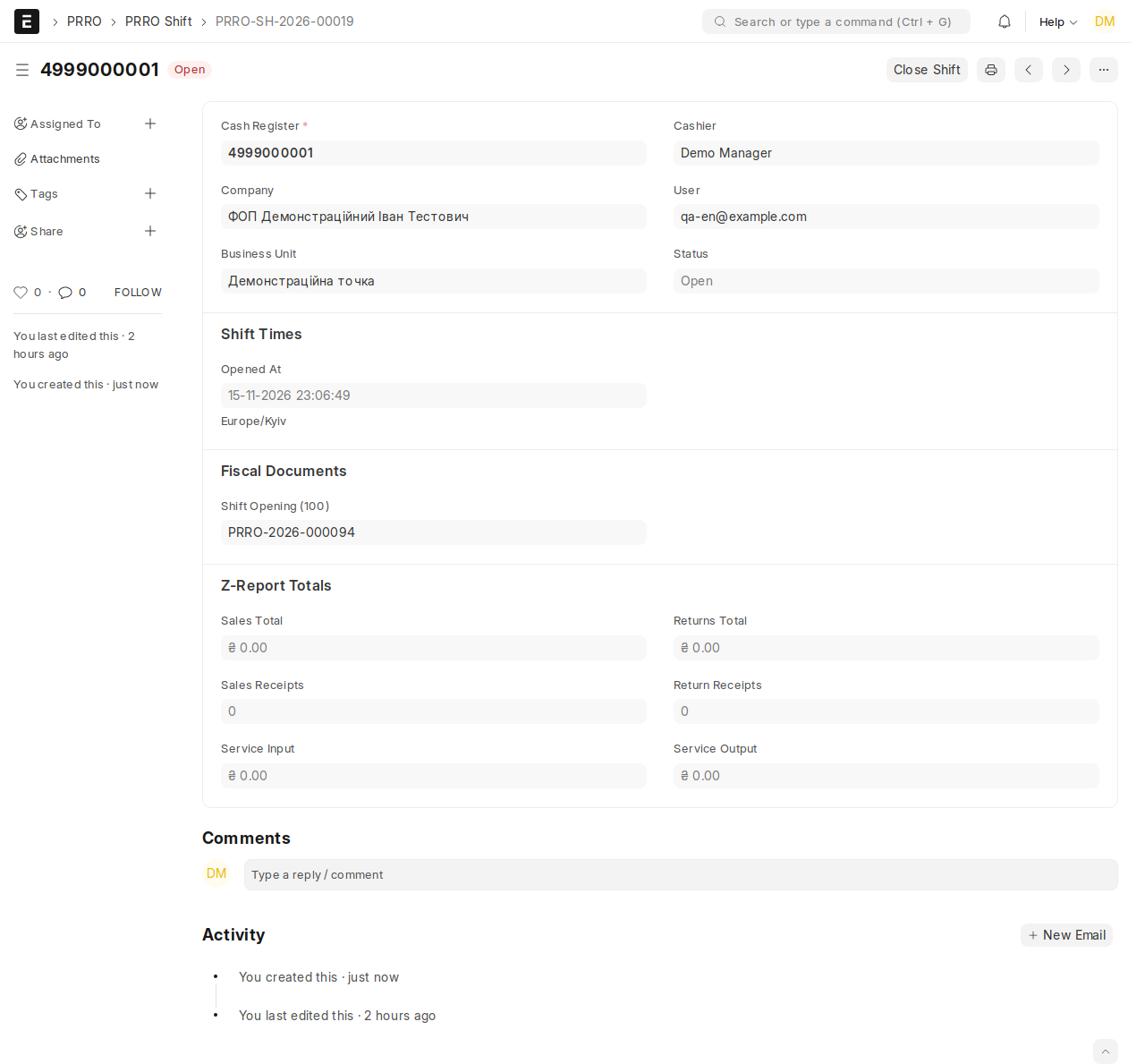
States of a shift
| State | Meaning |
|---|---|
| Draft | the shift is made, it waits for the answer |
| Open | invoices can be fiscalized in it |
| Z Done | the Z-report is accepted; the closing document of the shift remains to be sent. This is the recovery point of the closing |
| Closed | the shift is finished |
Closing a shift is one action with two documents: the Z-report and the closing document (101). When the Z-report is accepted, the shift becomes Z Done. In this state only the closing document is sent, and a repeated "Close Shift" does not create a second Z-report. Receipts are accepted by a shift in the state Open. The cash receipt order of the shift takings depends on the state Z Done as well: an accepted Z-report creates it (PRRO shift takings to the cash desk).
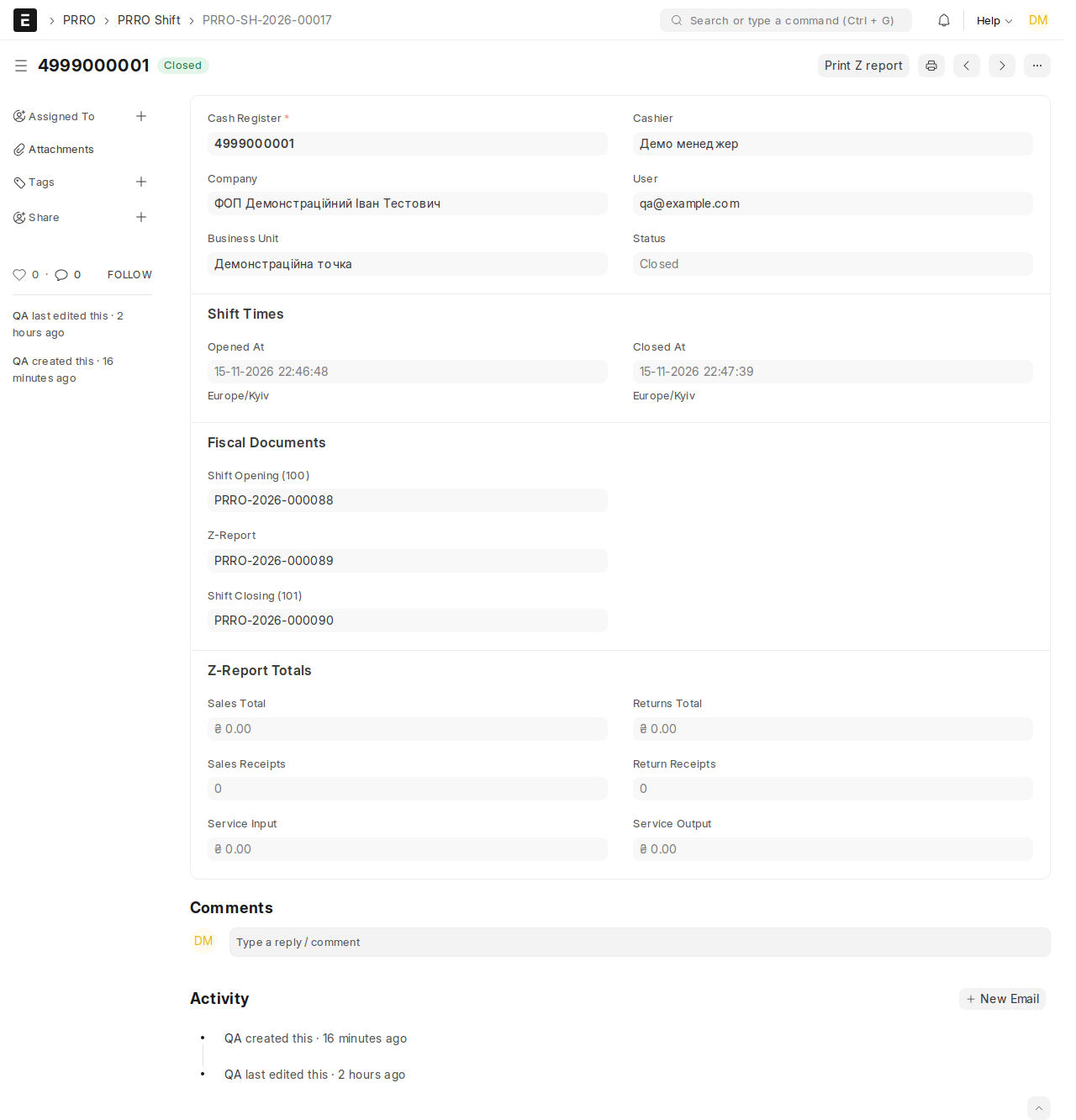
The shift and POS Next
A sale in POS Next with automatic fiscalization needs an open PRRO shift of the cashier on the PRRO of the POS Profile. The POS Next shift and the PRRO shift are two separate shifts. Without a PRRO shift the sale is refused before any invoice is made: Sell in POS Next.
When the server says the shift is already open
Then the app takes the shift as open and records it: the answer "shift already opened" opens the shift in the app too.
Next: Sell in POS Next or, as an additional scenario, Fiscalize a Sales Invoice. At the end of the day: Close a shift and the Z-report.